Luke de Armas
Software Engineer
Software Engineer
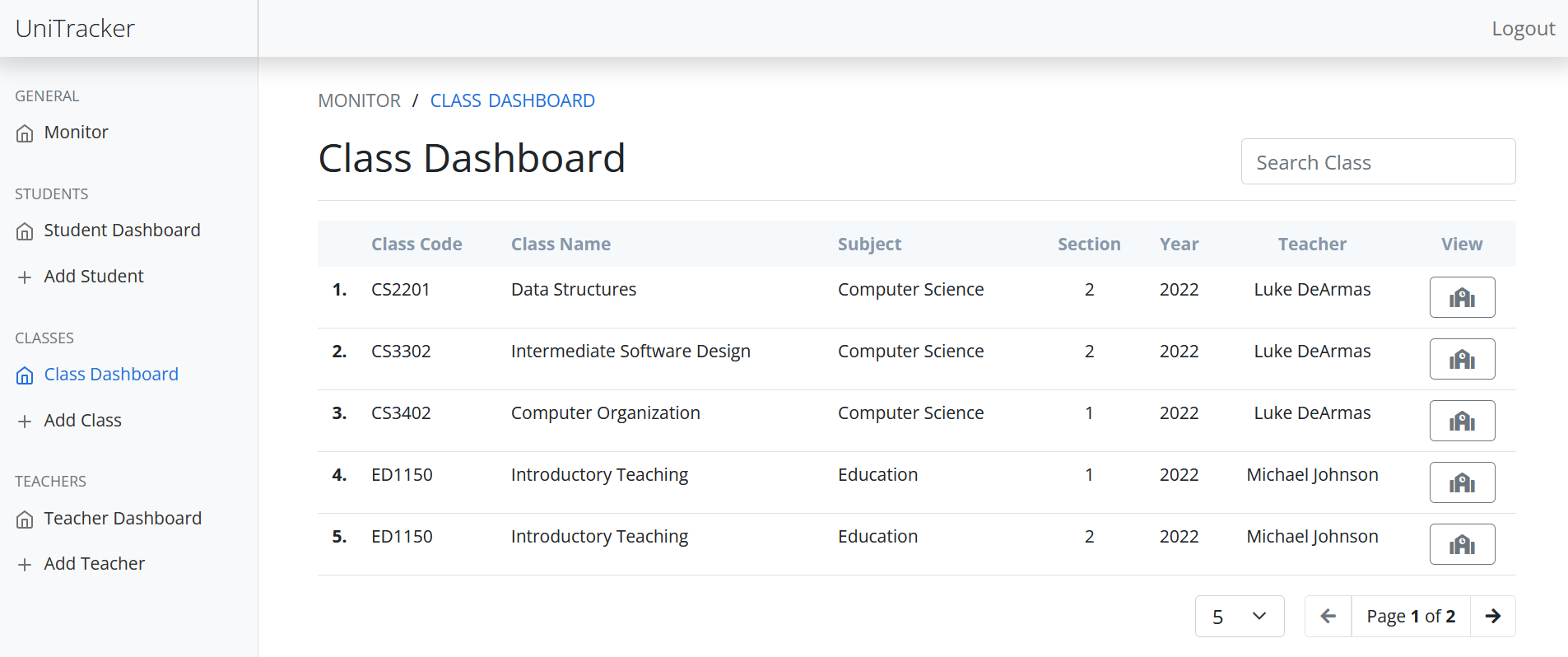
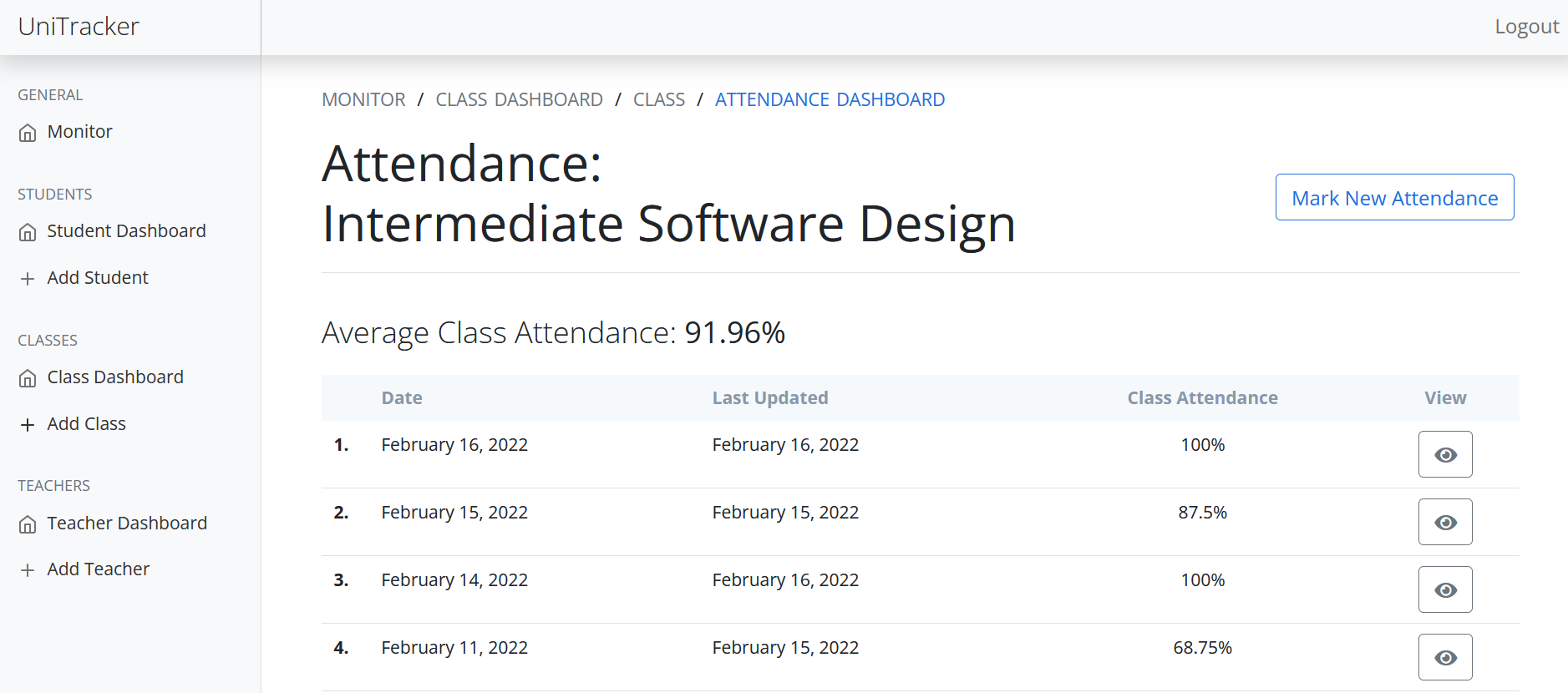
The following application allows a school or organization to track and organize their attendance.
The attendance management system allows the user to log in as either an administrator or a teacher, which determines which features the user will be able to use.
Application: https://dearmas-attendance-system.onrender.com/
Github: https://github.com/LukedeArmas/attendance-system
Trello board: https://trello.com/b/lcn8eZ9n/attendance-system
Administrator: username: 'admin', password: 'admin' Teacher: username: 'ldearmas', password: '111111'
1. All of the Teacher features (the administrators class dashboard will contain all classes).
2. Add, update, or delete a class.
3. Add or remove students from a class.
4. View student dashboard of all students.
5. View student details, including their currently enrolled classes and their attendance marks in these classes.
6. Add, update, or delete a student.
7. View teacher dashboard of all students.
8. View teacher details, including the classes they currently teach.
9. Add, update, or delete a teacher.
10. Update a teacher's password (without seeing their previous password).
1. Pagination for student, class, and teacher tables (server side and client side were implemented, and usage depends on the page).
2. Search bar for student, class, and teacher tables (this works in conjunction with client side pagination when it is used).
3. Responsive sidebar menu, which becomes a dropdown menu at a smaller screen size.
4. Date picker component, allowing the user to choose a date for a new attendance record.
5. Prevent the user from marking attendance for a date that has already been recorded and for a date past today on client side (also handled on server side).
6. Active navigation list, helping the user keep track of where they are in the application.
7. Client side form validation, preventing the user from submitting empty or incorrect information.
8. Show password functionality, allowing the user to show or hide their password entry.
9. Confirm password validation, making sure the user enters their password entry twice to confirm.
10. User login page.
1. Model View Controller: Mongoose models, Express/Javascript controllers, EJS views.
2. Restful API: Back-end end point routing follows REST.
3. Express Router: Separate Class, Student, Teacher, and Attendance routing.
4. Reusable Views: Views are separated into reusable components/partials. State is passed top down.
5. Authorization: Express middleware to check if logged in first, then the type of user.
6. Agile Development: Assisted with the use of a Trello board
1. MongoDB: Database.
2. Mongoose: Database modeling.
3. Node: Back-end runtime.
4. Express: Server framework.
5. Joi: Server side user data validation.
6. EJS: HTML templating.
7. Bootstrap: Front-end framework.
8. Javascript: Front-end scripting.
9. HTML/CSS: Markup and styling.
10. Git: Version Control.
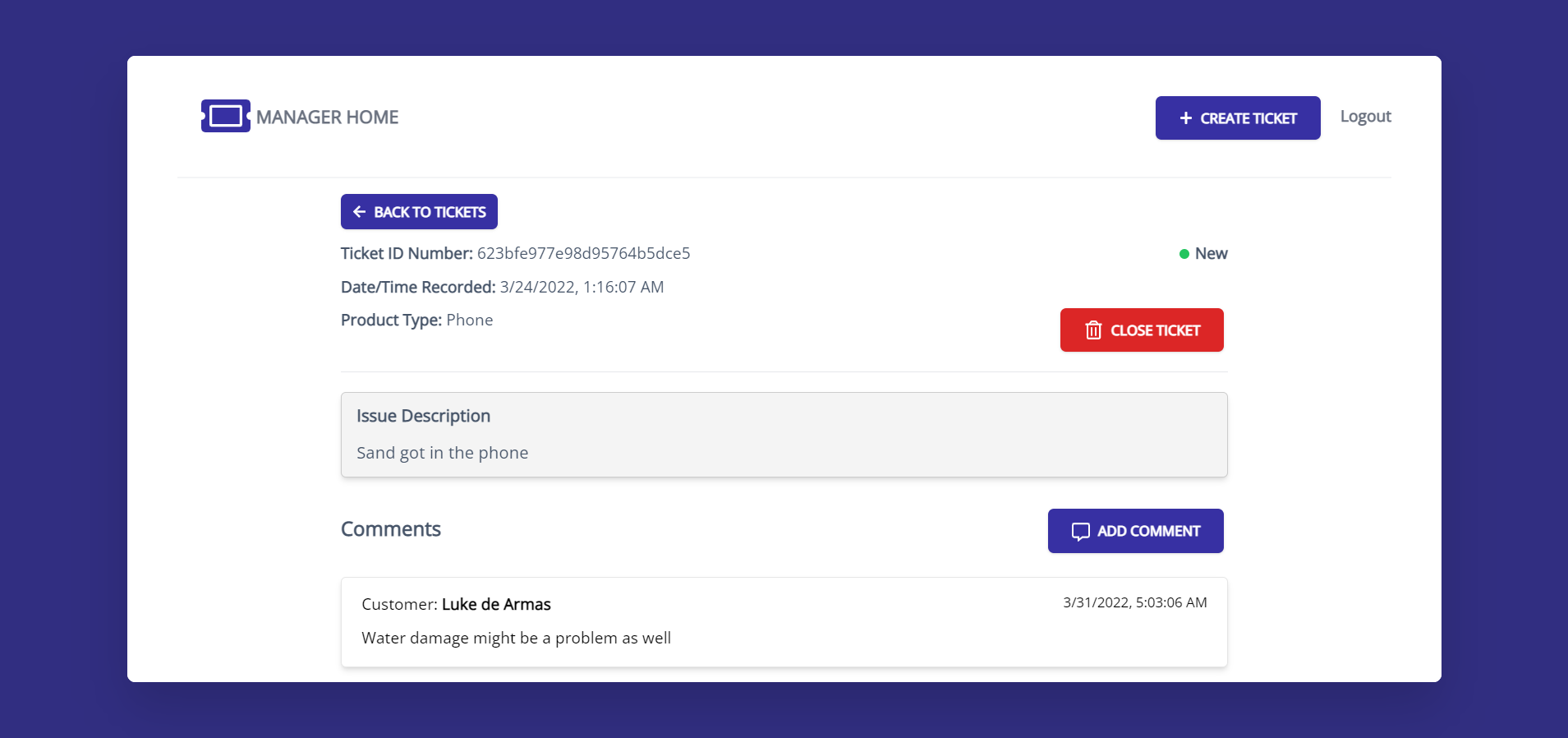
The following application is the customer end of a ticket managing service. Customers can create and update tickets to be resolved, track their existing tickets, and write comments about their tickets in order to interact with staff members.
React, Node.js, Express, MongoDB, Redux, Tailwind
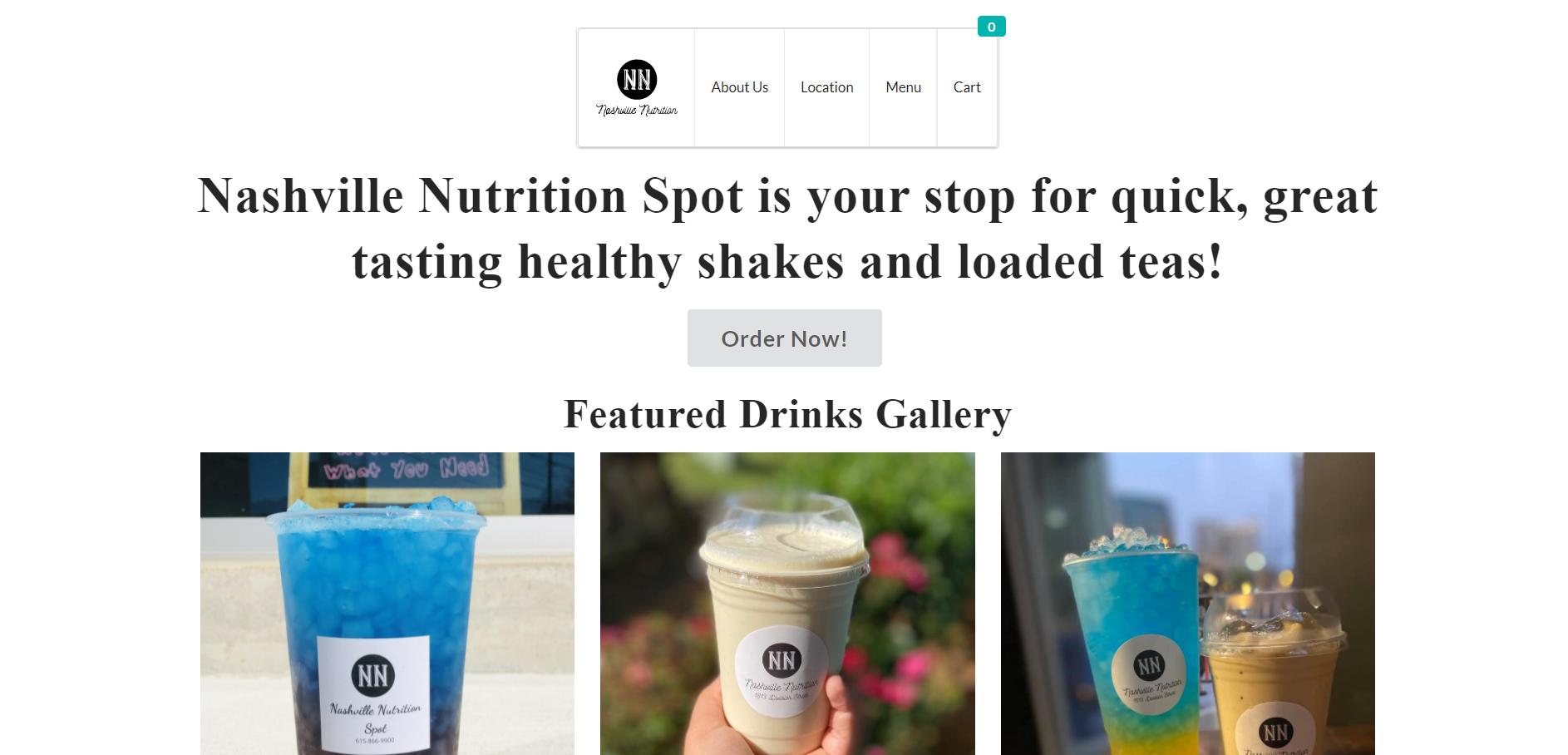
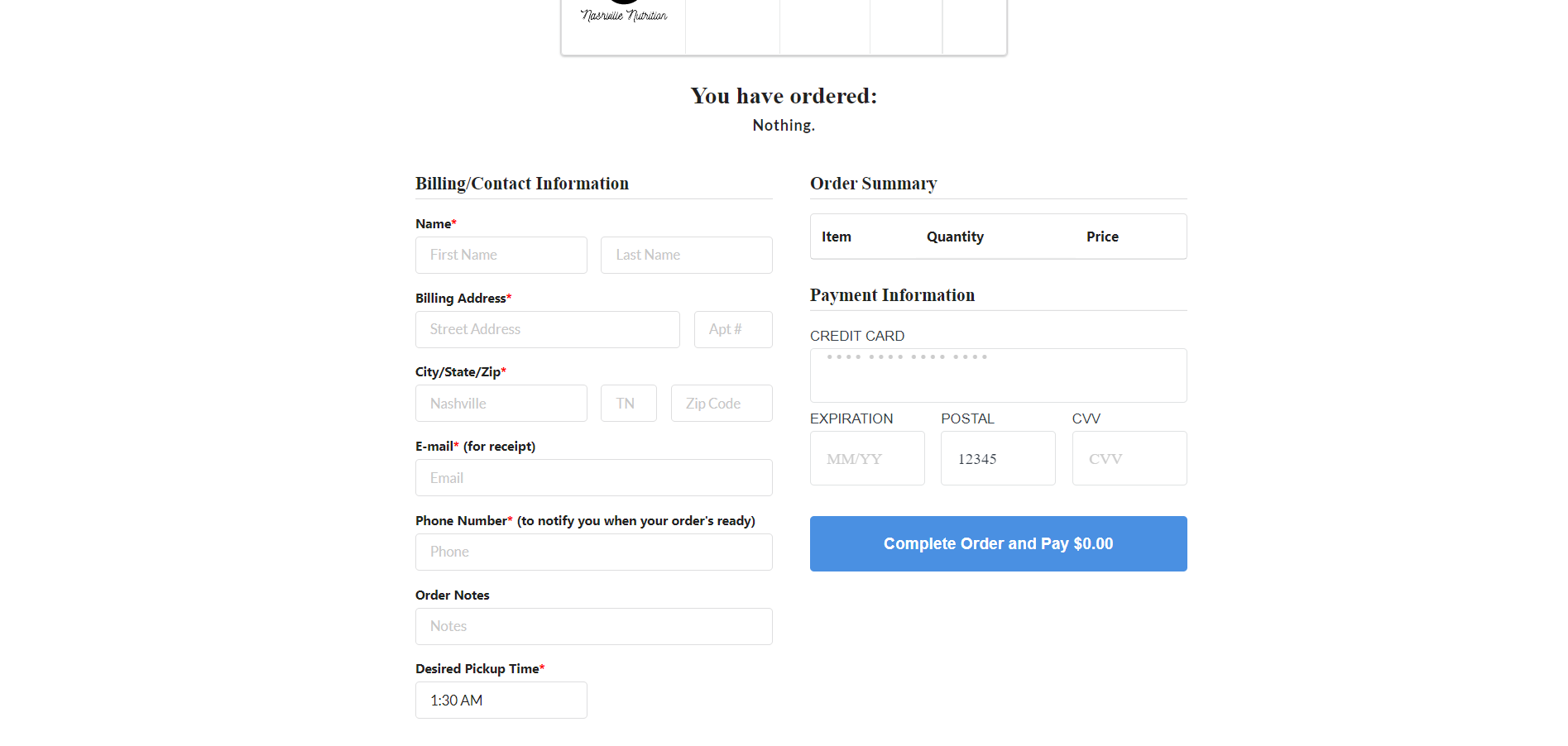
Paired with a local business in Nashville, Tennessee to provide a website their customers can use. This website has a classic and timeless design, providing easy navigation for customers. The website includes a full menu/ordering system integrated with Square.

Hey I'm Luke, a full-stack software engineer with skill in designing, creating, testing, and overseeing web-based applications and services. My proficiency lies in the Node.js, React, Express, and MongoDB stack, building applications in Typescript. I'm a self-sufficient contributor and team player, who's able to scope and complete tasks with minimal direction whilst maintaining strong communication with my team members. I'm eager to help build products that bring meaningful change to the world while constantly learning along the way!
TypeScript/JavaScript | Node.js | React | Python | Google Cloud | AWS | MongoDB | PostgreSQL | Jenkins | Kubernetes | Datadog | Software Testing | Distributed Systems | API Design | Project Planning
Ldearmas5853@gmail.com